Project collaboration
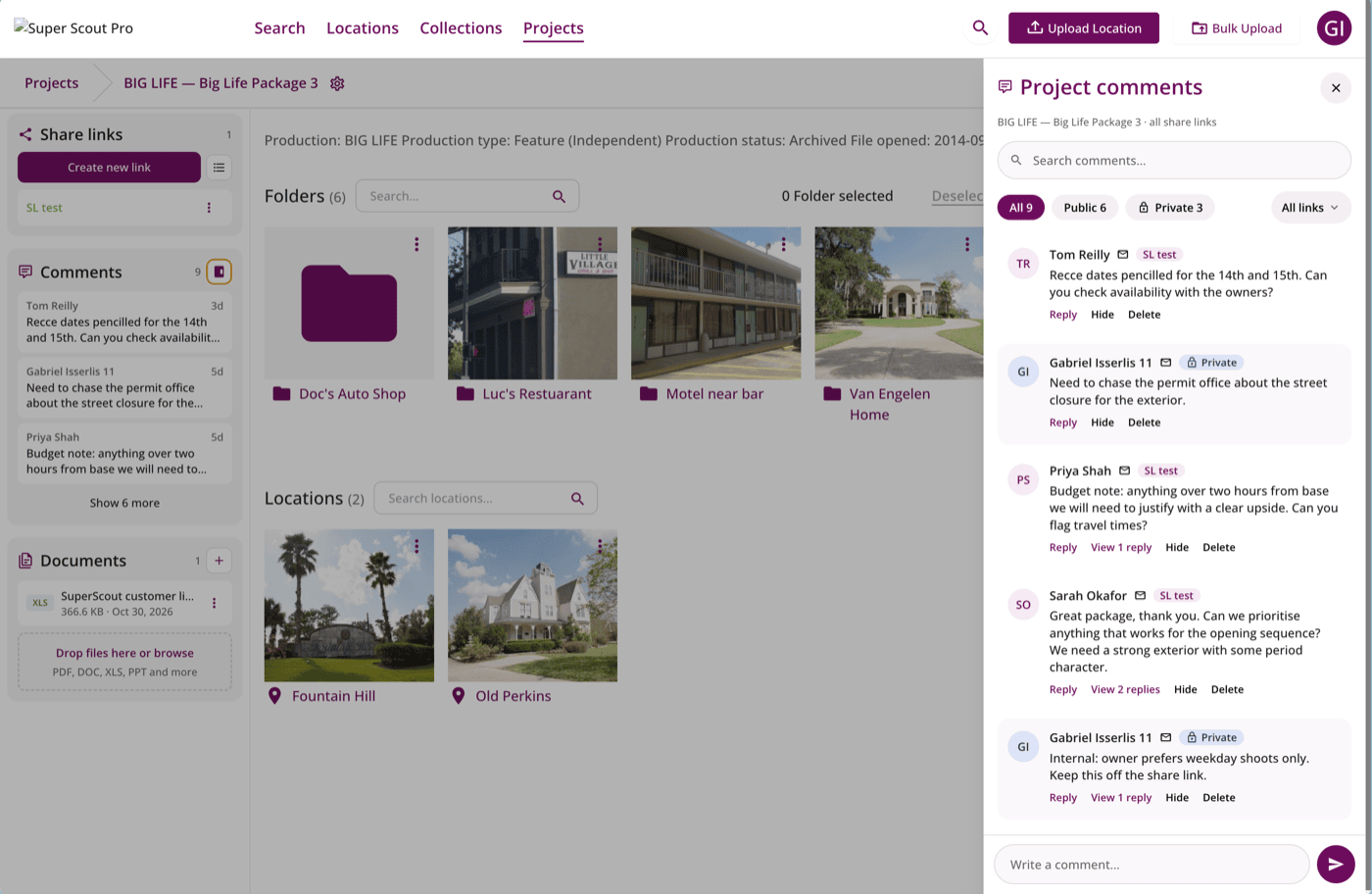
Invite colleagues into projects, discuss them in private comments, keep scripts on the project, export all the details you need for a scout to CSV, and so much more.
 Read the full update →
Every update we've shipped, newest first.
We build everything hand-in-hand with
the teams who use Super Scout Pro.
Invite colleagues into projects, discuss them in private comments, keep scripts on the project, export all the details you need for a scout to CSV, and so much more.
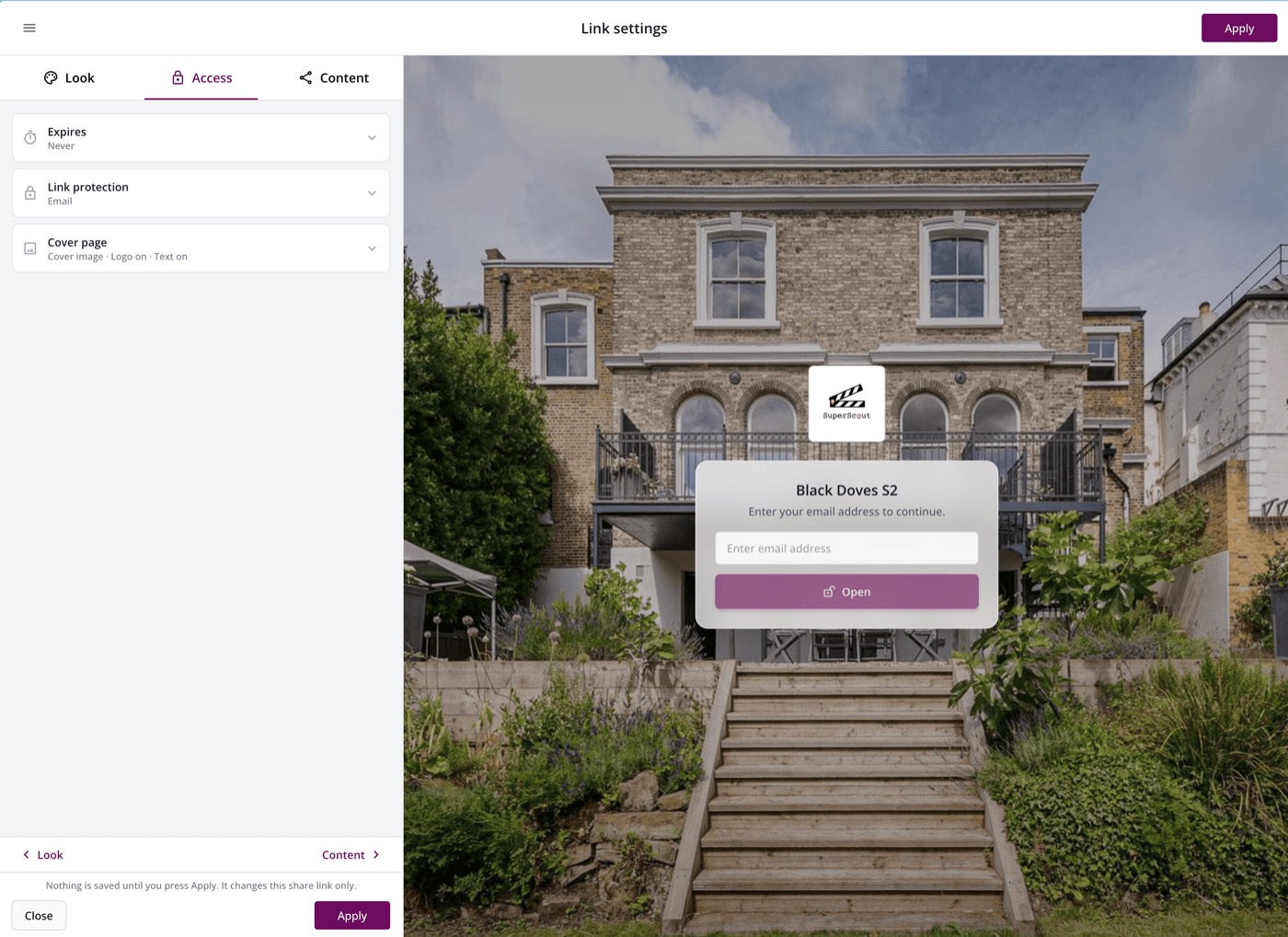
Read the full update →Let recipients comment and react with stars, up and down votes or traffic lights, save named share link templates, protect links by email or expiry date, and so much more.
 Read the full update →
New accounts now start in Simple Mode, which shows only the essentials. Once you've got a grasp of the basics, switch to Advanced Mode to see every feature and setting.
Drop in a whole drive of folders and Super Scout Pro sorts them into locations, collections and projects, lets you add details, then shows a summary at the end.
Crew can upload a CV or paste their IMDb page and their credits, roles and positions fill in automatically, with follow-up questions for anything missing.
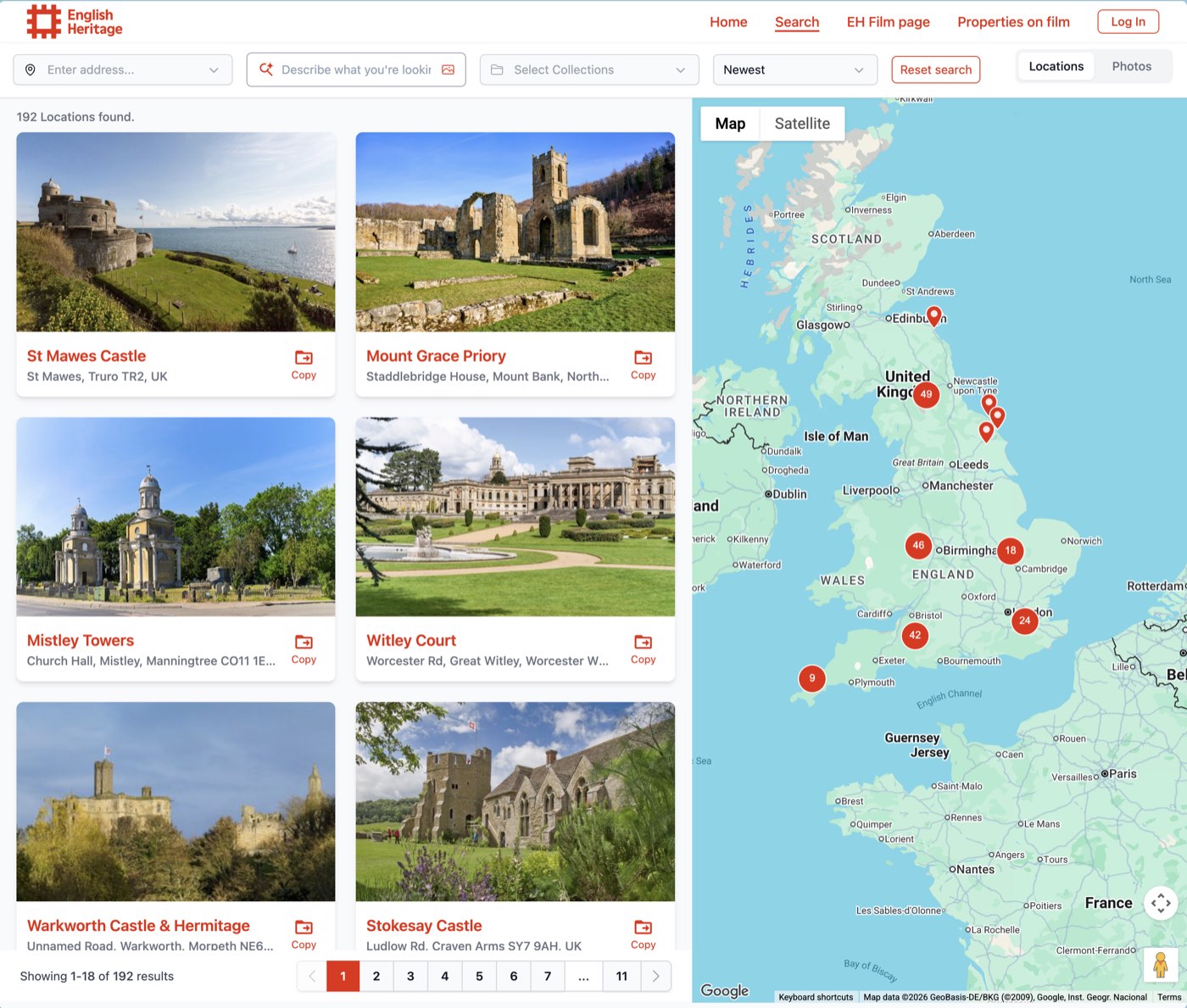
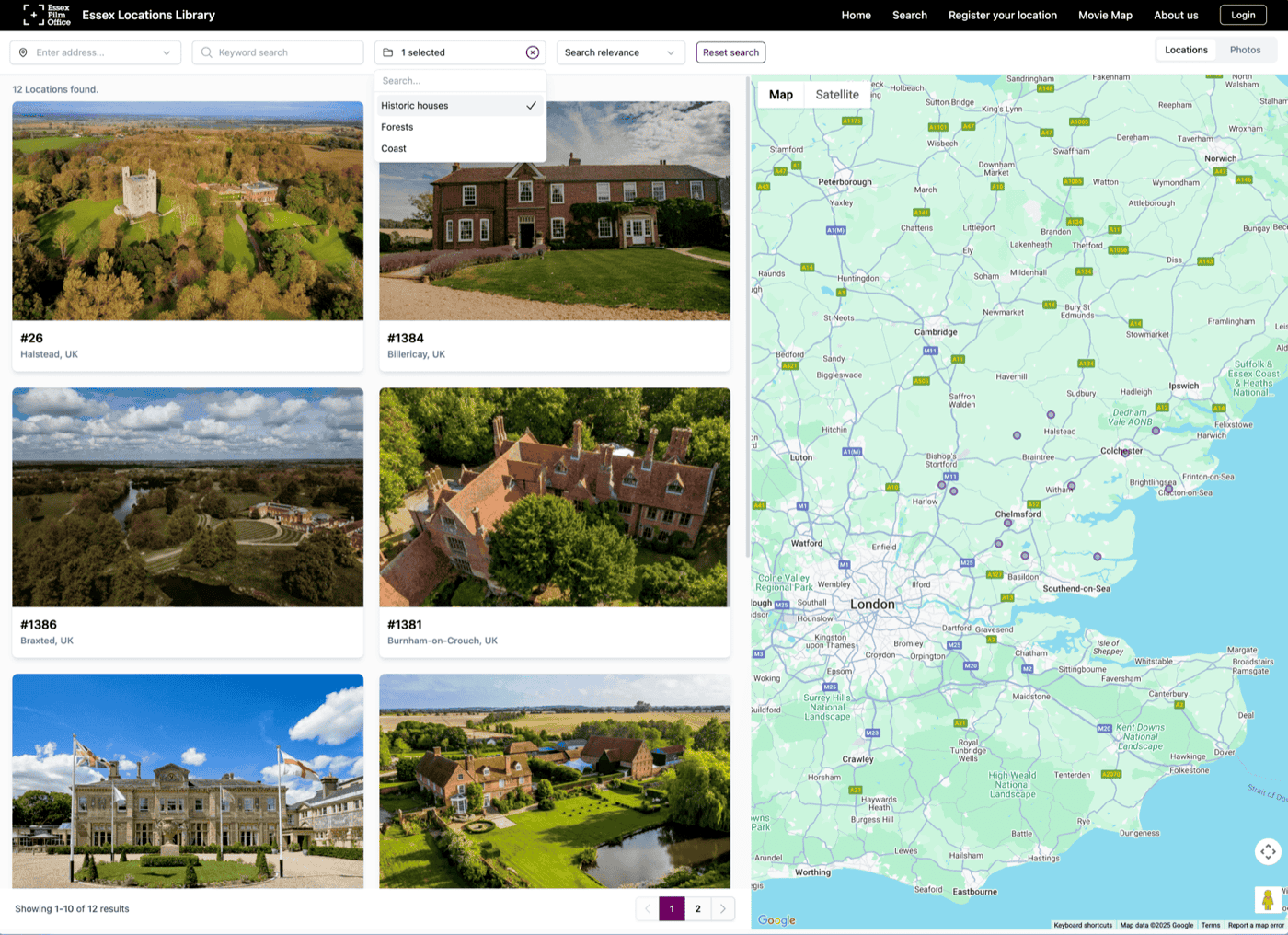
A full page of production poster cards with credits and IMDb links. Each card flips to show details and links through to the locations where it filmed, and each location page shows a "Filmed here" carousel of its productions.
See it in action on English Heritage's Movie Map →Showcase sites now use your primary and accent colours throughout, and you can choose which page visitors land on first.
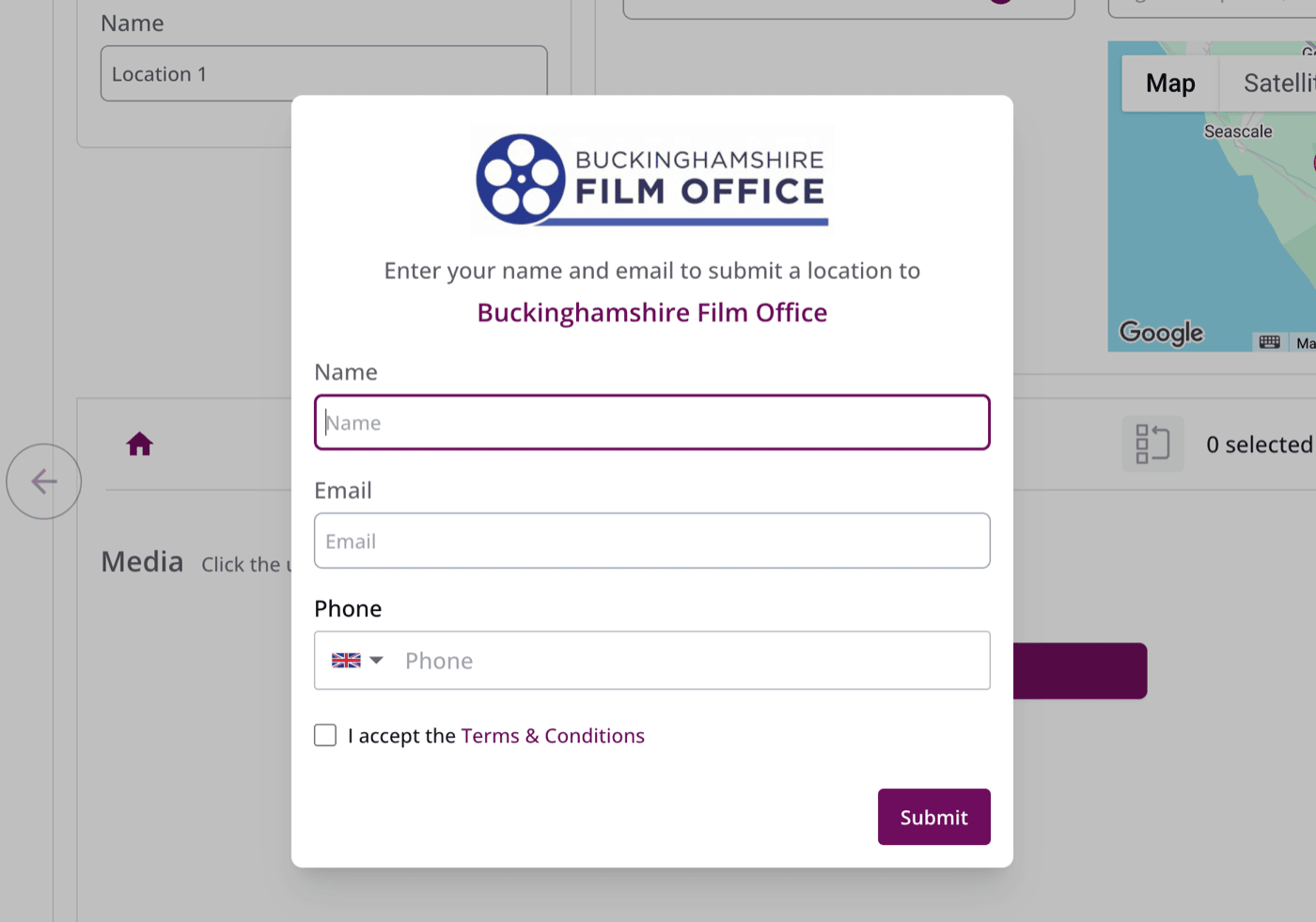
Owners who submit a location now get a free account to update their listing, add photos and submit to other workspaces. The film office or team they submit to reviews every change before accepting it.
 Read the full update →
Pick photos straight from Google Drive when you upload, and swipe through photos on location cards in every search page.
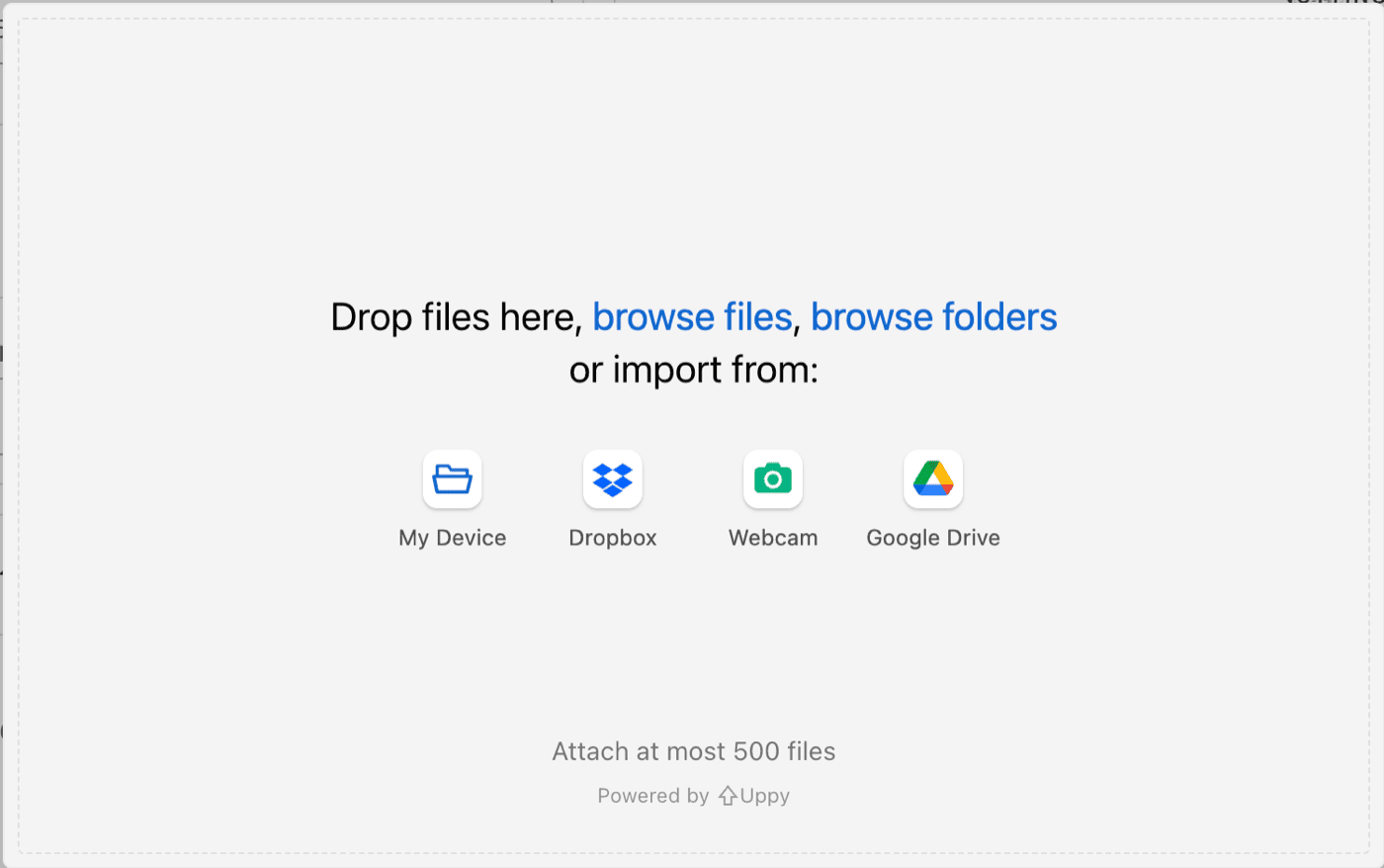
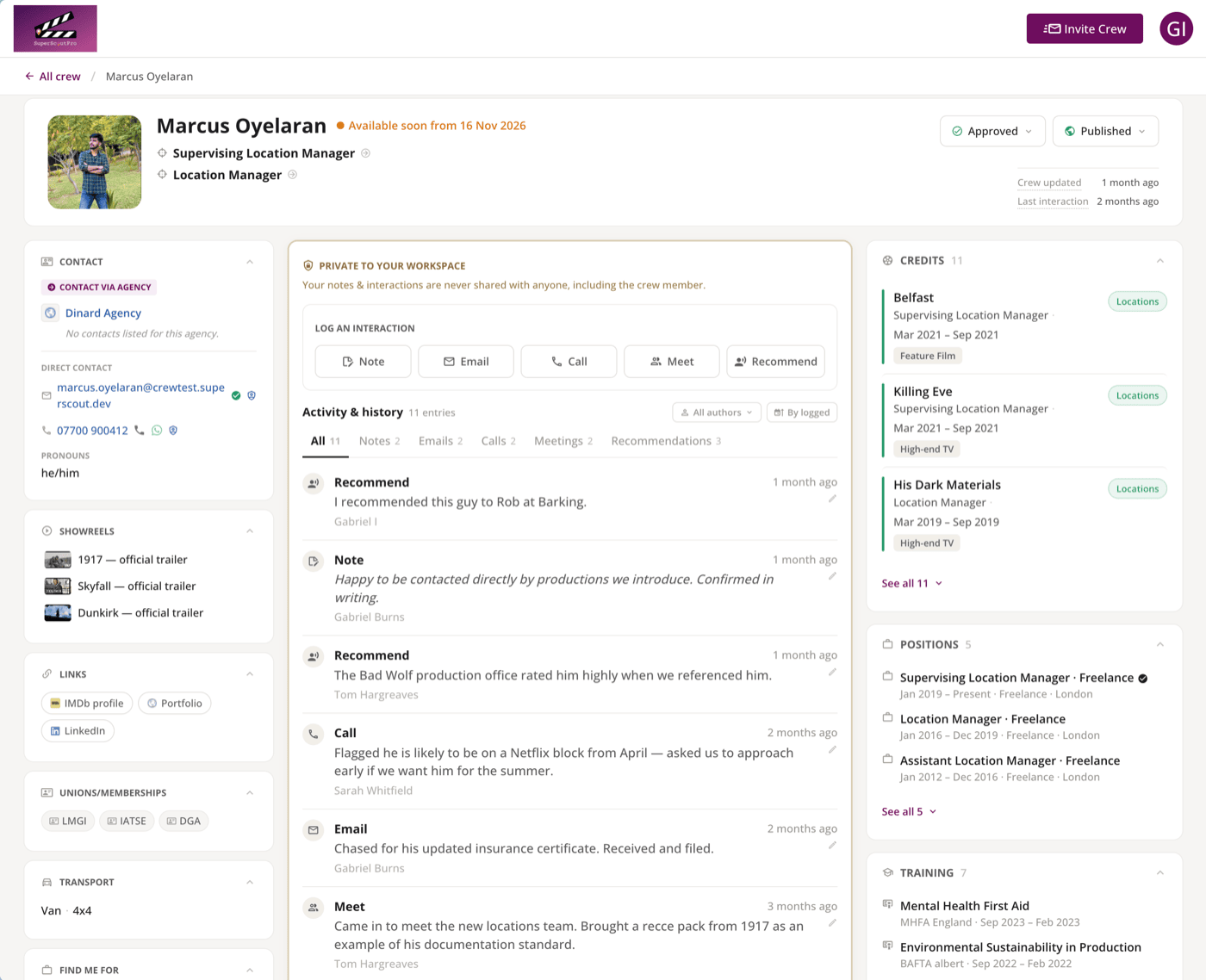
A new Crew module. Keep a searchable directory of crew with profiles, credits, skills and privacy controls, and publish a public crew directory on your showcase site where crew can sign themselves up.
Lock any share link with a password, and export a project or collection's locations to a CSV spreadsheet.
A new two-step welcome that gets you to your first upload faster.
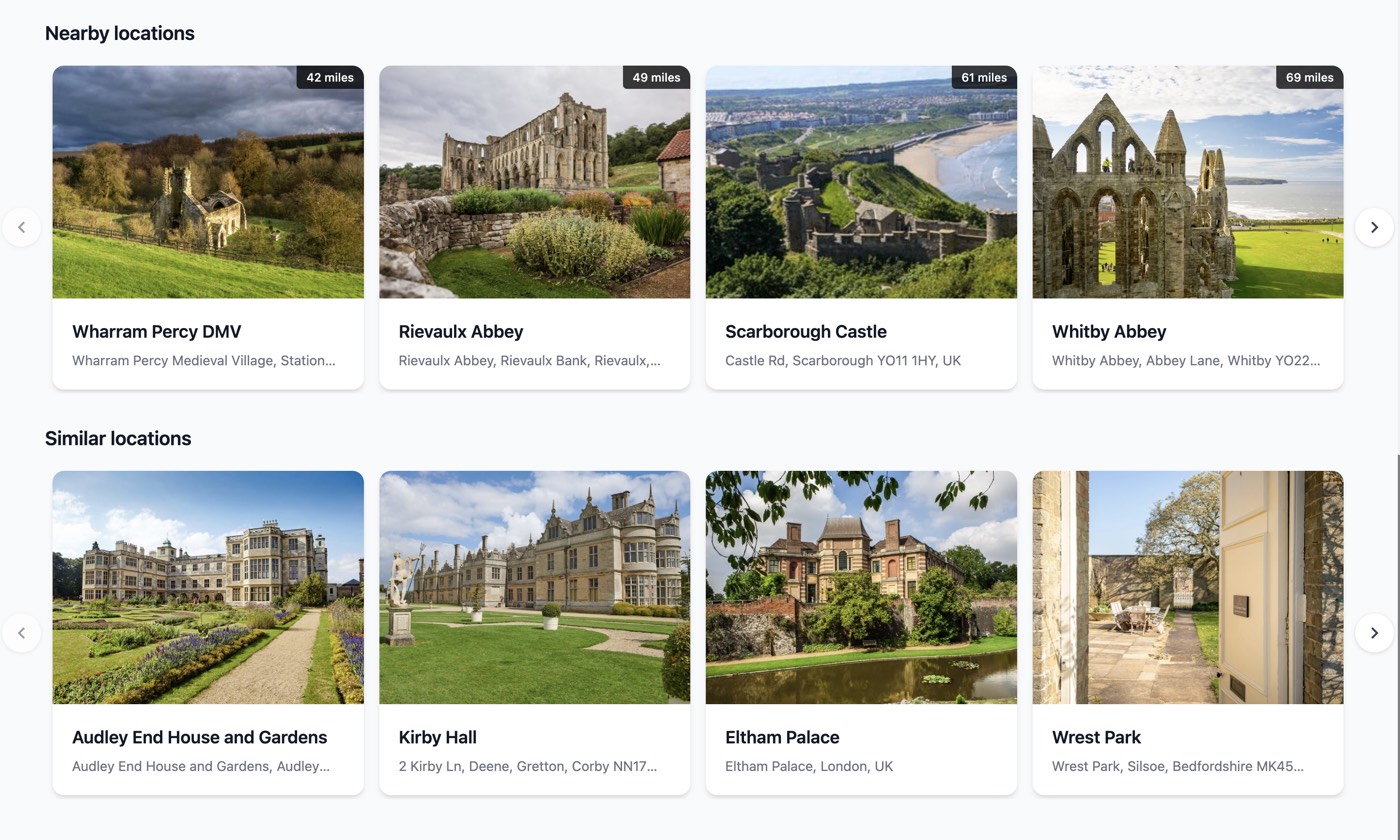
Each showcase location page suggests visually similar locations and lists nearby ones, with their pins highlighted on the map.
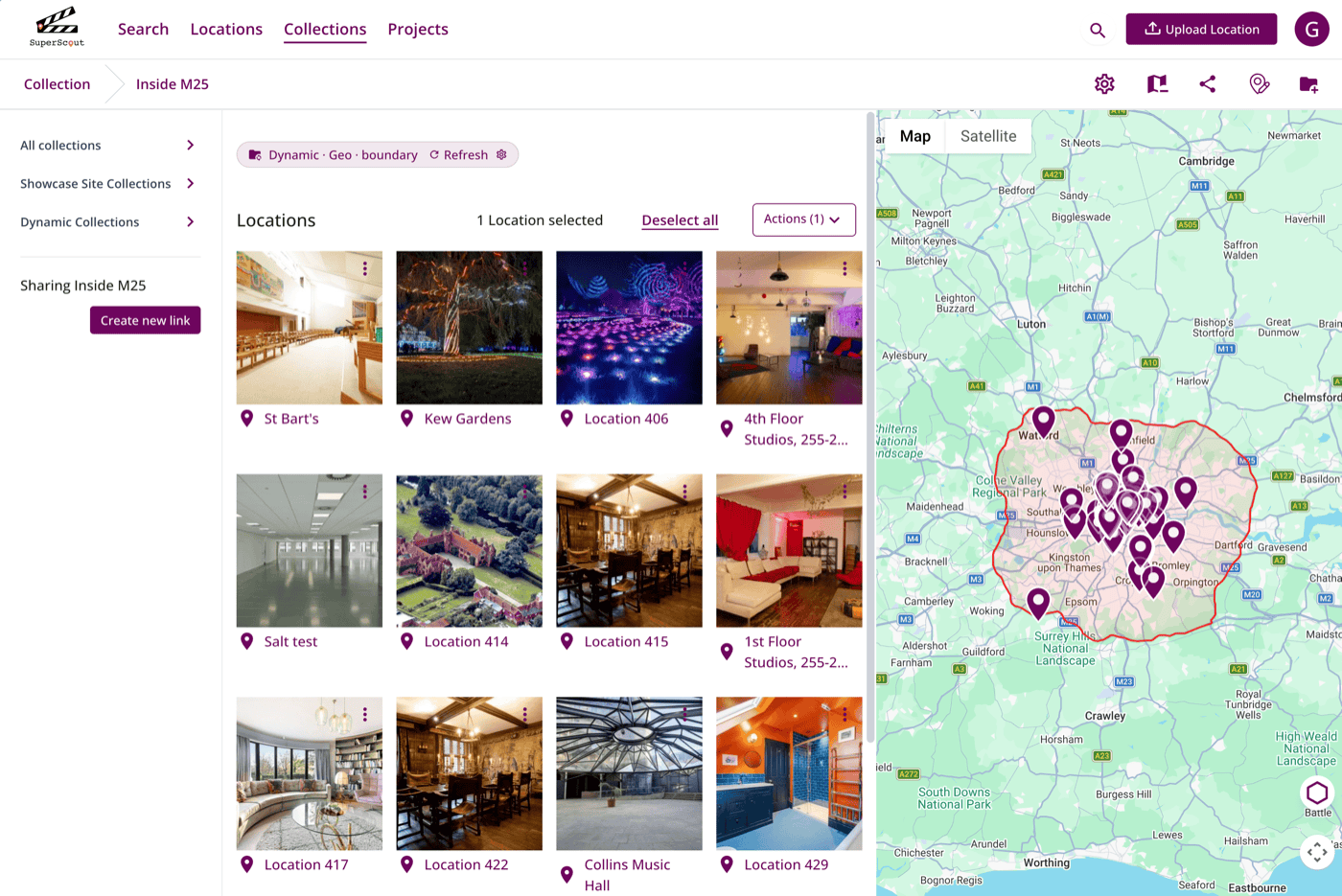
Folders that update themselves based on rules you set, so your locations are always filed in the right place without any manual work.
 Read the full update →
Choose a share link layout, including a big hero image or a full-screen photo grid, and style it to match your brand.
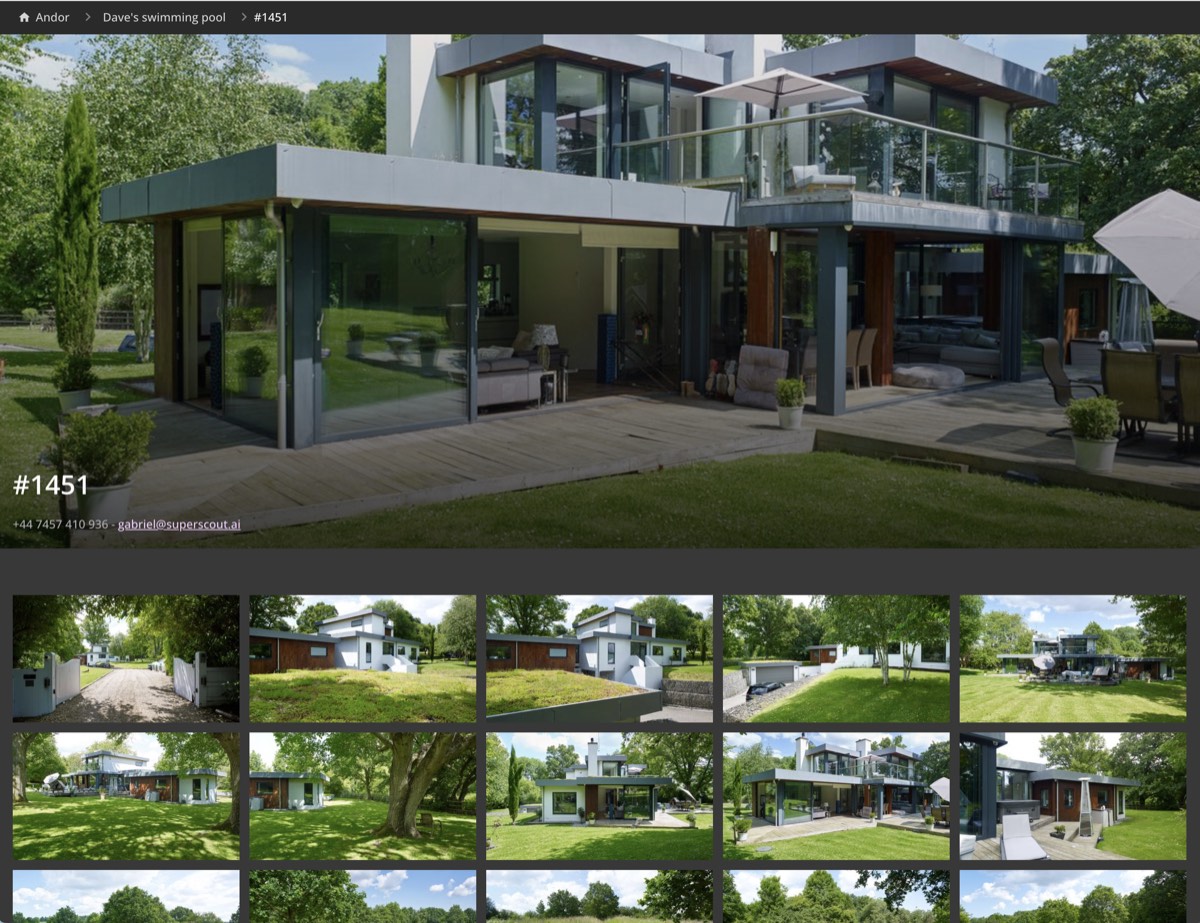
We moved to a new tagging model after finding the old one misdescribed interiors outside a narrow, British-looking set of styles. Tagging is now tested across a far wider range of architecture, geographies and visual contexts.
 Read the full update →
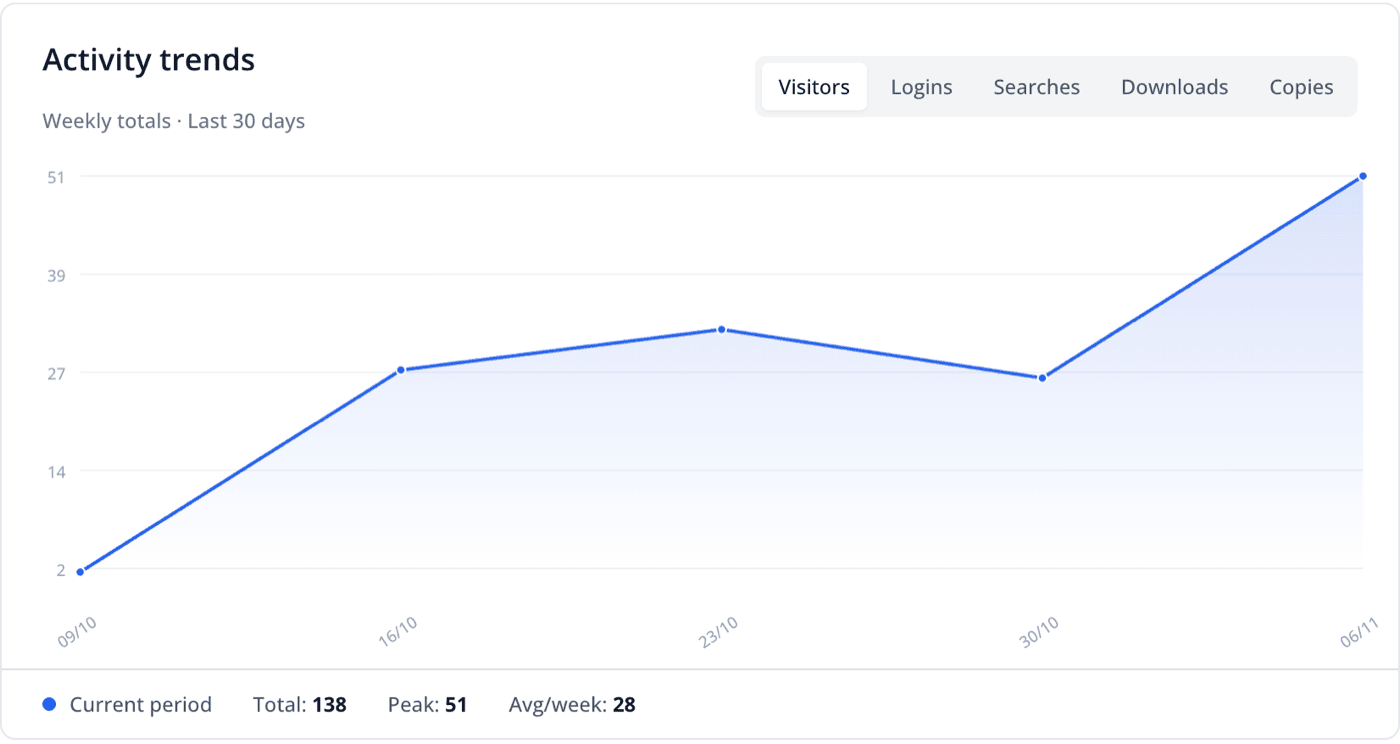
See which locations people view, download and copy on your showcase site, and what they search for.
New scouts can create an account, verify their email and set up a workspace without leaving the app.
Choose whether showcase visitors can download location photos. Each download request includes a location-usage agreement and a quick guest registration, so you know who took what.
Choose what new locations show as their public address: city and country, your own custom text, the exact address, an address built from the parts you pick, or no address at all. Preview it on sample locations and apply it to existing ones in one click.
Signed-in scouts can copy any location from a showcase straight into their own workspace with one click, photos and tags included, with a link back to where it came from.
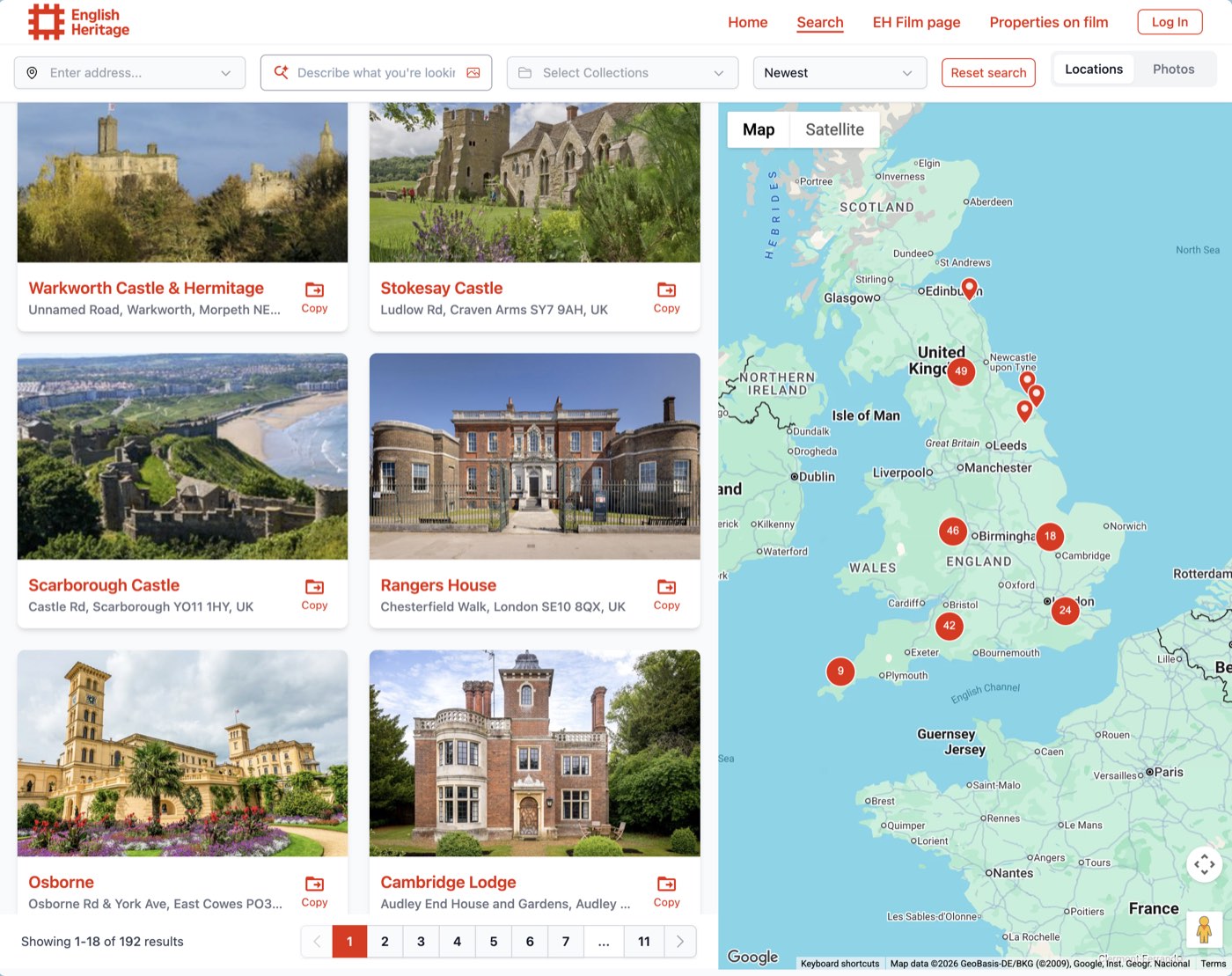
Showcase visitors can create a free Super Scout Pro account without leaving the site, with a short intro to how the showcase and their own workspace connect.
Switch your locations list to a spreadsheet with column filters, sorting, bulk actions and CSV export.
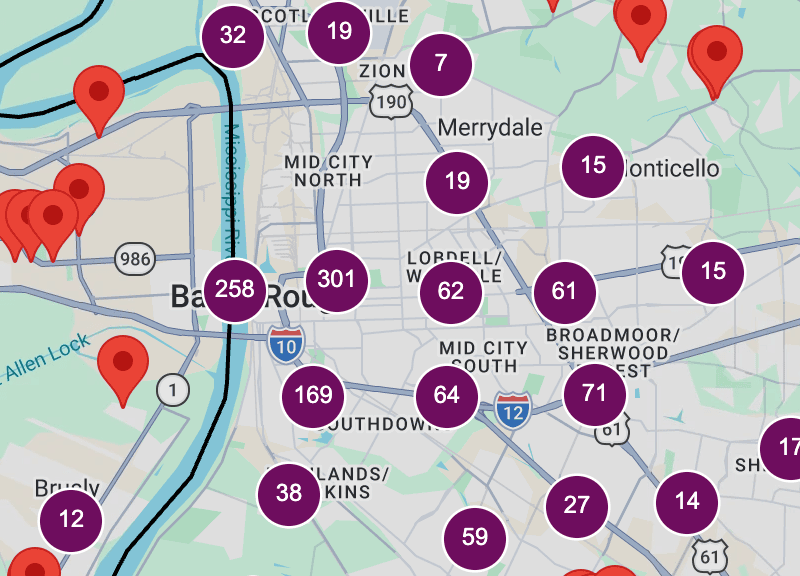
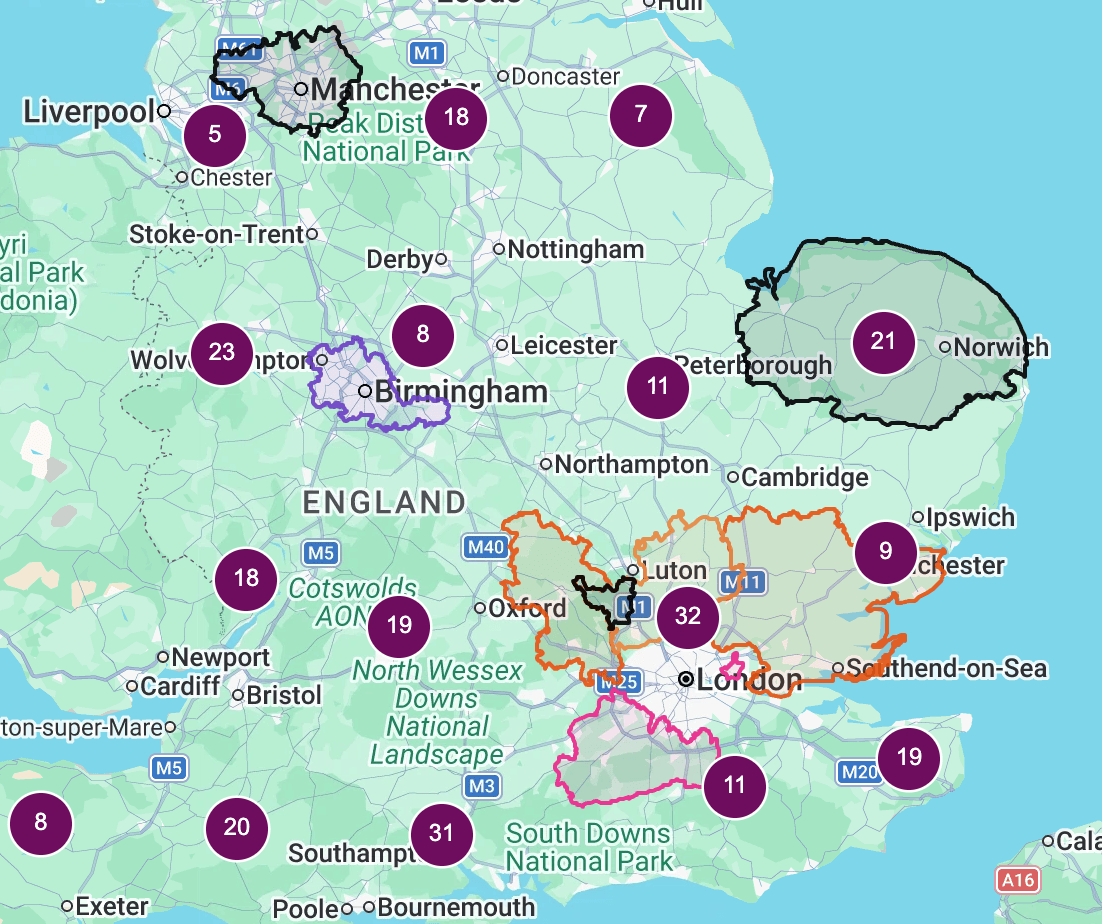
Busy maps now group nearby pins into numbered clusters, so you can see where your locations are concentrated and zoom in to explore them.
See every location submitted by the public in one history, with filters and CSV export.
A new public setting lets you choose whether new locations show their private name or their reference number publicly, and apply it to existing locations in one click.
Label locations as pubs, castles, beaches and more, each with its own icon on the map, and apply a type to a whole collection at once.
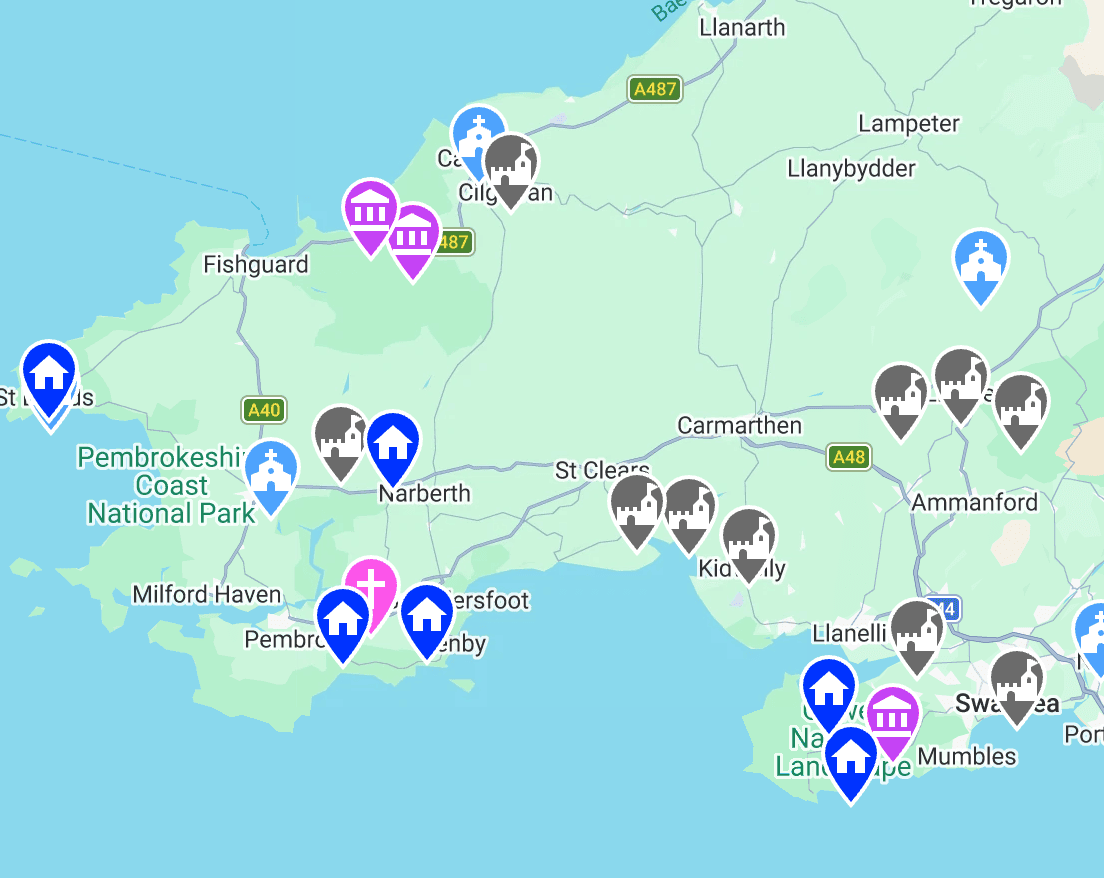
Send locations straight into another Super Scout Pro workspace, for example from a film office to a production, and review, accept or edit incoming shares.
Showcase search understands briefs typed in other languages, including Spanish, Chinese, Arabic and Hindi.
Set a share link to update automatically, and when you add photos or move locations and folders, it keeps up with the location, collection or project it was made from.
Describe what you need, like "mullioned windows in a Victorian house", and find it across your database, share links and showcase sites. Or upload a reference image to find visually similar locations.
Draw or import your region's boundaries and show them on collections, projects, share links and your showcase map, and control how precisely each location's position is shown.
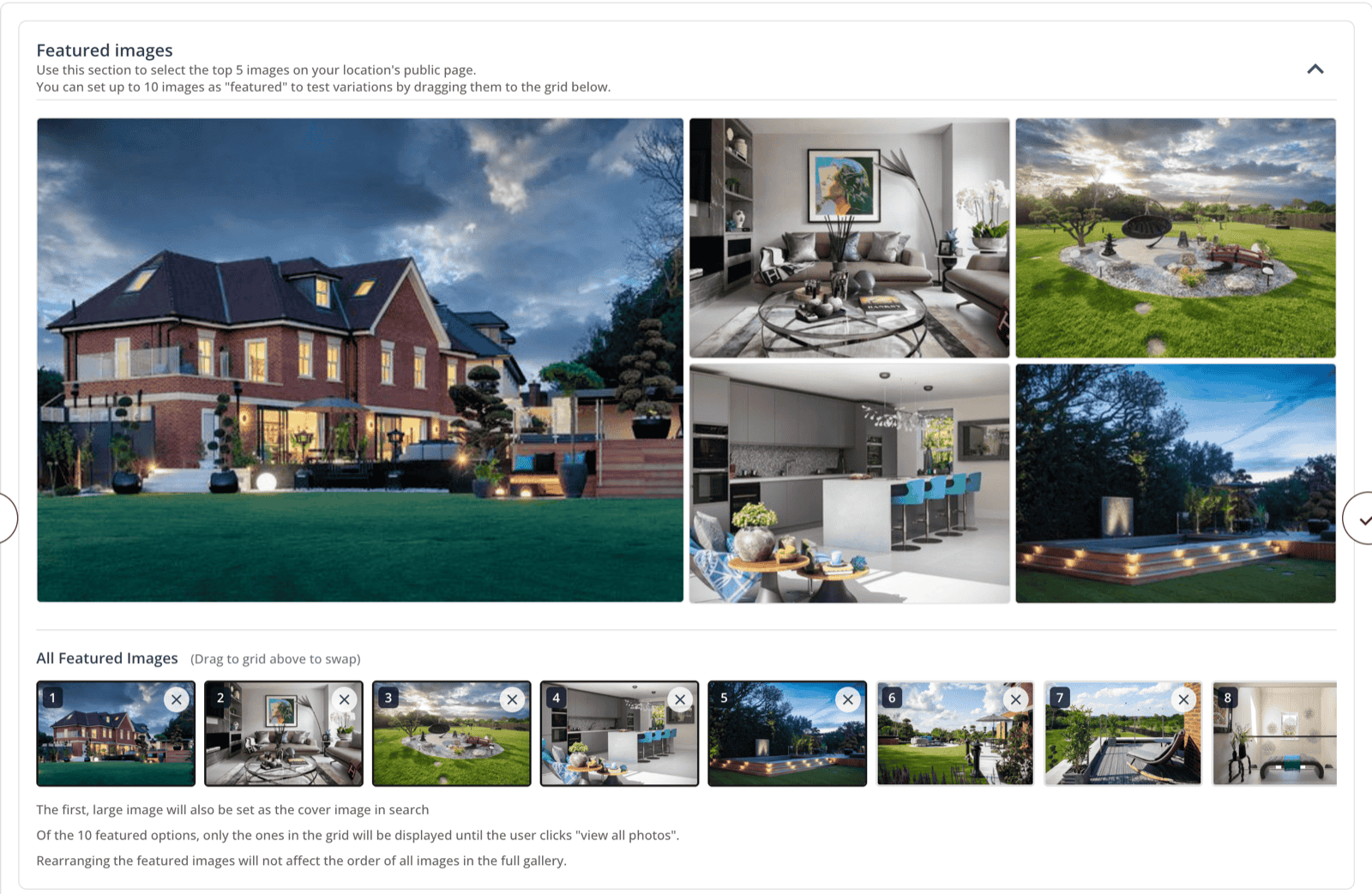
Automatic tagging now adds an extra set of keywords describing what's in each photo, so more searches find the right one.
Quicker ways to edit and organise your public showcase, whether you're updating one location or hundreds.
 Read the full update →
Panoramic 360° photos open in an interactive viewer, so productions can look all the way round a space before they recce it.
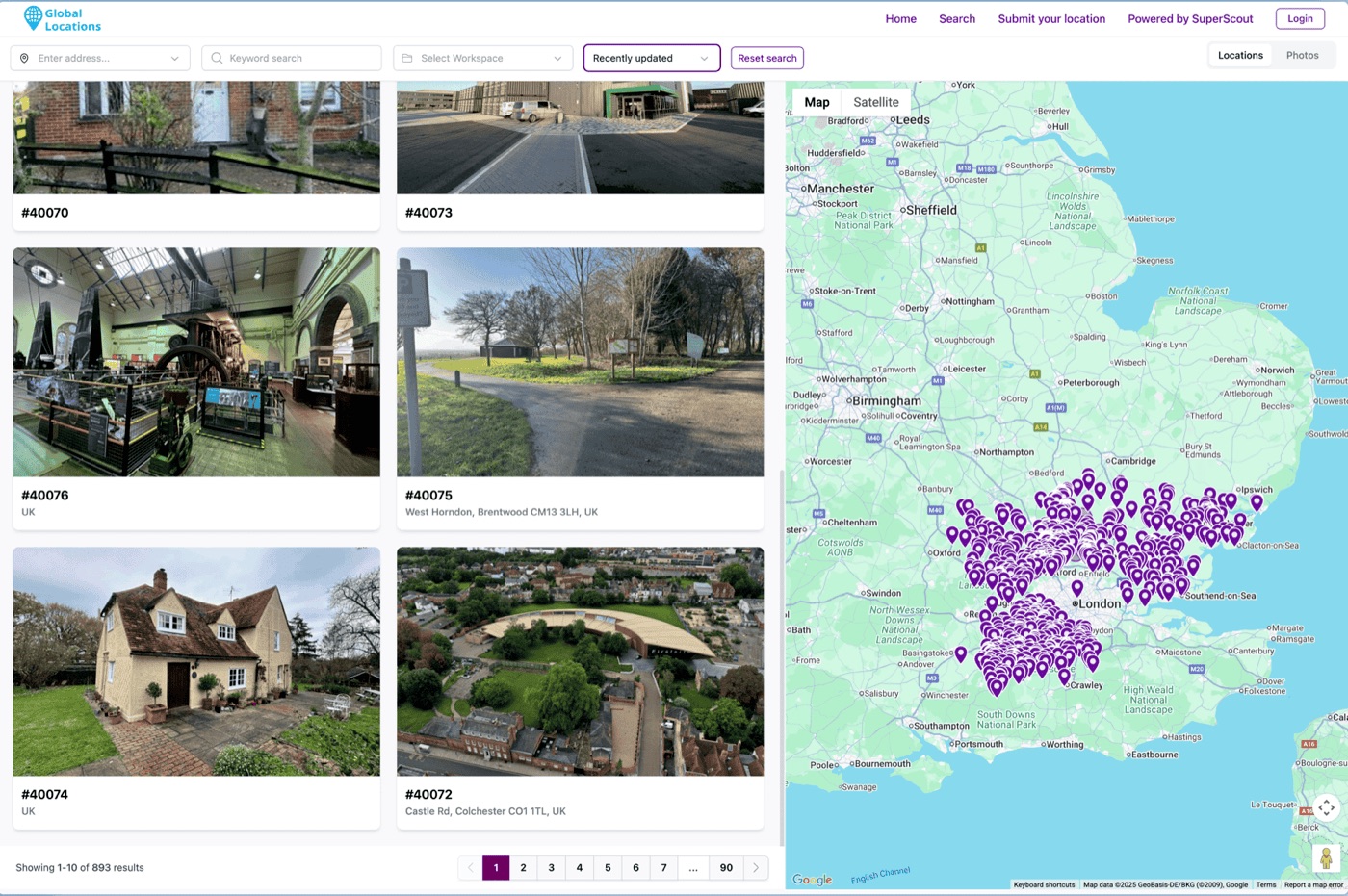
One search across 1000s of public locations from film offices around the world, plus new tools to protect and tidy your photos.
 Read the full update →
Add your team's contact details once, then choose which contacts show on locations you share publicly: your team, each location's own contacts, or both. You can override it for any single location.
Drag collections and projects inside each other, move photos and folders between locations, and merge duplicate locations, contacts and properties.
Mark each piece of location information as internal or public, set what goes to your showcase by default, and choose which links and social profiles appear on it.
Download any project or collection, or take a complete backup of your account with original photos and a data file, in one click.
Share links now show your locations on a map, with colour-coded folders and approximate areas instead of exact pins when you'd rather not give the address away.
Give each location a proper name as you add it, and search the map to drop your pin exactly where you're scouting.
Publish your chosen locations to a clean, branded public website in a few clicks, straight from your private database.
 Read the full update →
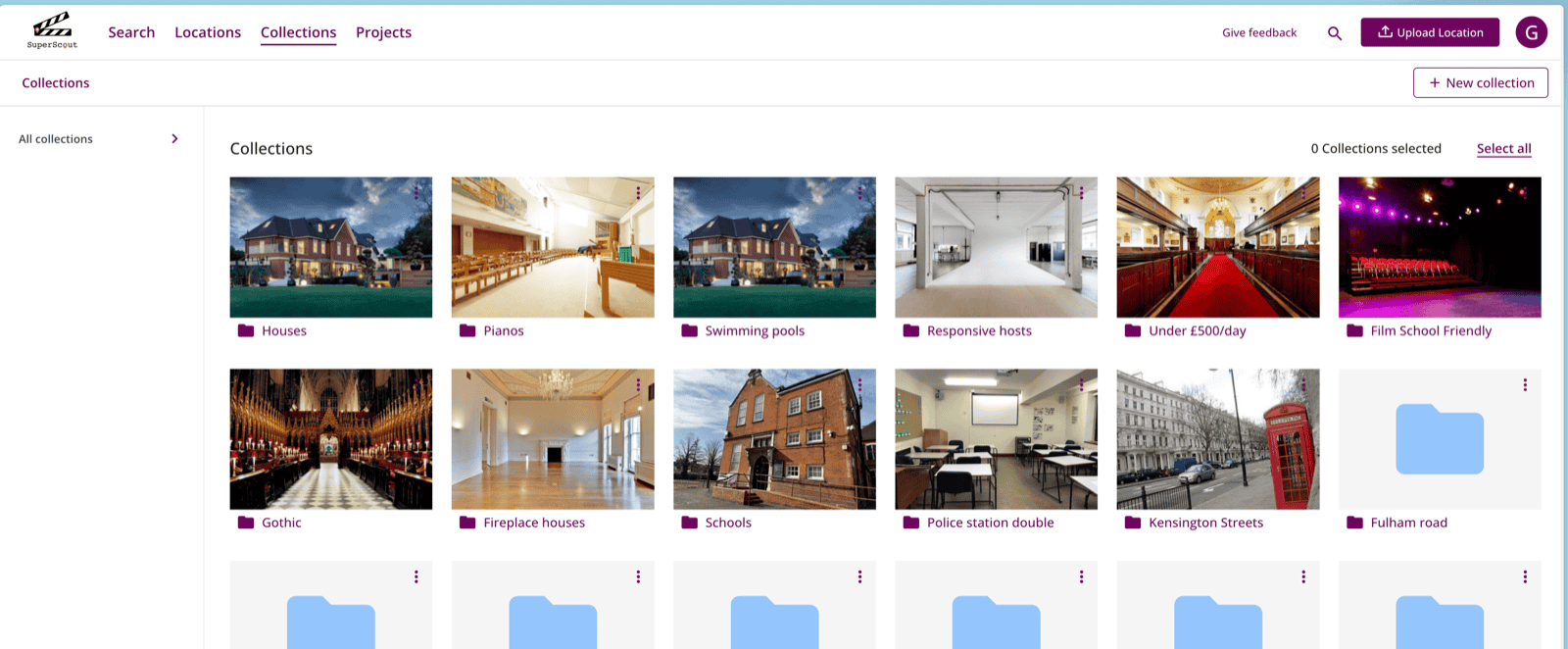
From any location card, drop it into several collections and projects without leaving the page, and see everywhere it already appears.
Connect Dropbox, browse your folders inside Super Scout Pro, and turn any folder into locations, collections or projects in one step.
Record the owner or key contact, picked straight from your phone's contacts, and a location description while you're still on site.
Organise locations by production into projects, copy collections into a project, and share a whole project with the team in one link.
 Read the full update →
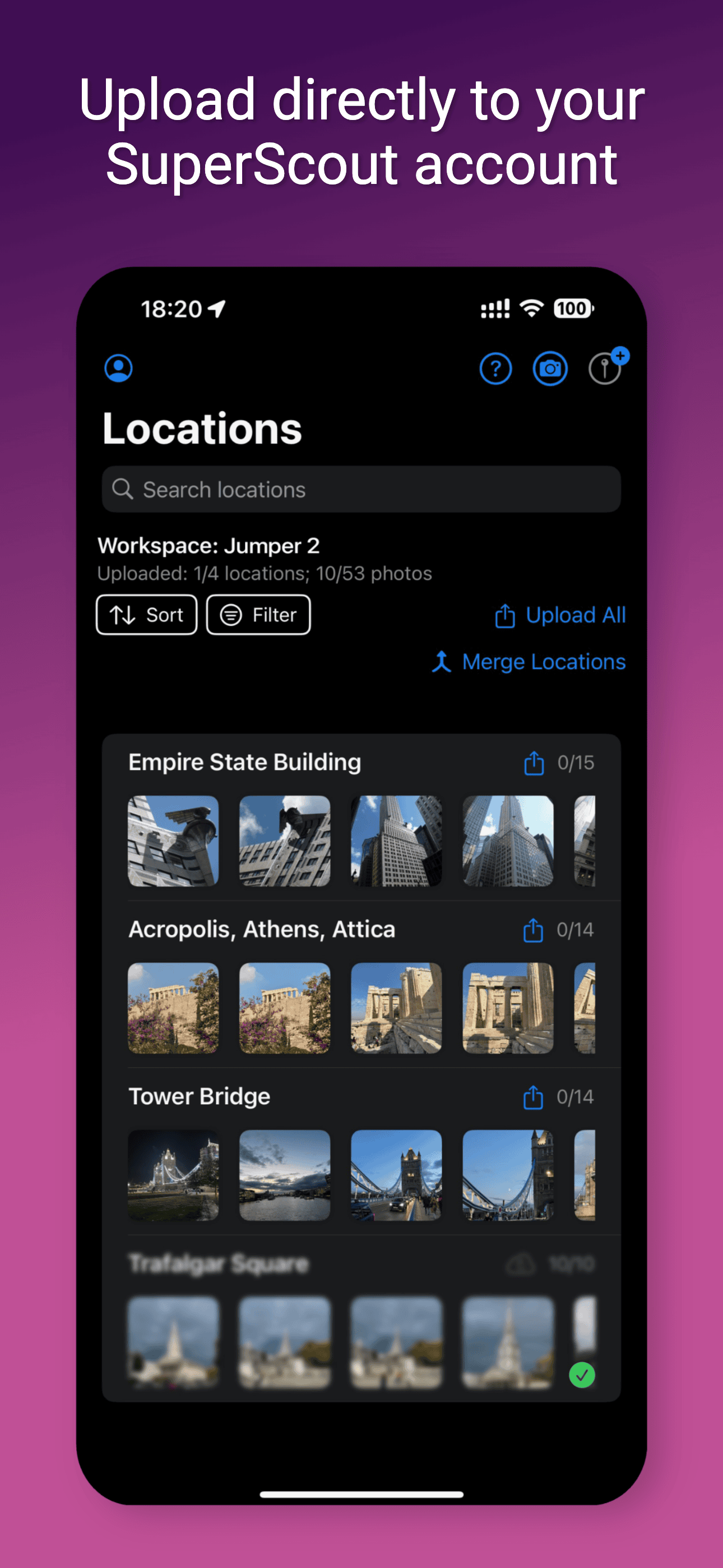
The scouting app now runs on iPad too, with redesigned home, add-location and notes screens.
Upload geotagged photos and Super Scout Pro reads where they were taken to fill in the address and drop the map pin for you.
Capture locations in the field: upload photos, addresses and notes from your iPhone, even without signal, and search your whole database from your pocket.
 Read the full update →
Connect your SmugMug account and bring your galleries in as locations, with photos, videos, keywords and GPS data carried across.
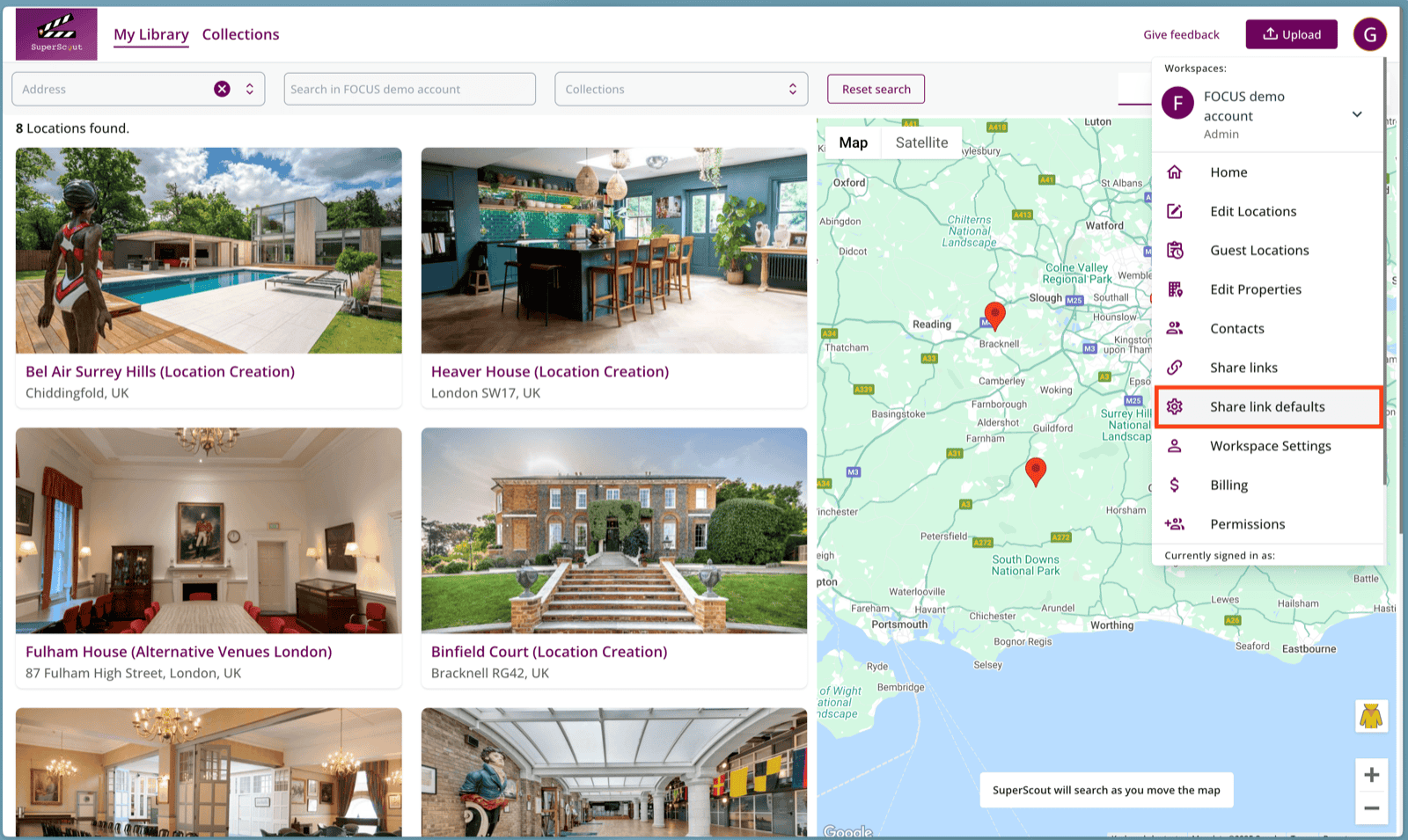
Set your share link preferences once for your whole account, and edit the automatic tags on any photo.
 Read the full update →
Give owners a link to submit their own property, verified by an emailed code, and approve or reject each one before it joins your database.
Group several locations under one property, upload videos and documents alongside photos, and organise each location's media into folders.
Tidy your database by hiding or deleting locations, and drag collections and location tiles into the order you want.
Add notes to a location, and if someone opens a link you've unpublished they see a proper page where they can ask you for access.
Group locations into collections and send productions a branded share link, choosing exactly which photos they see.
Upload photos from Dropbox, Google Photos, Apple Photos or your computer, and upload iPhone HEIC photos without converting them first.
Keep owners, managers and agents in one searchable contacts list and attach them to the locations they look after.
Invite colleagues into a shared workspace, give each person a role, and switch between several workspaces from one login.
A private map of all your locations. Upload your photos and every one is automatically keyworded, so you can find any location by keyword or address.
Super Scout Pro donates 1% of its revenue to carbon removal initiatives through Stripe Climate. The world our industry depends on is worth investing in.